Your diagram is not a picture. It is a map.
Confluence renders SVG as a flat image and kills every link inside it. Clickable SVG brings those links back, so a box in your architecture map opens the runbook behind it.
The demo below is the real thing, running in your browser, so you can judge it before installing anything.
A diagram you can actually use
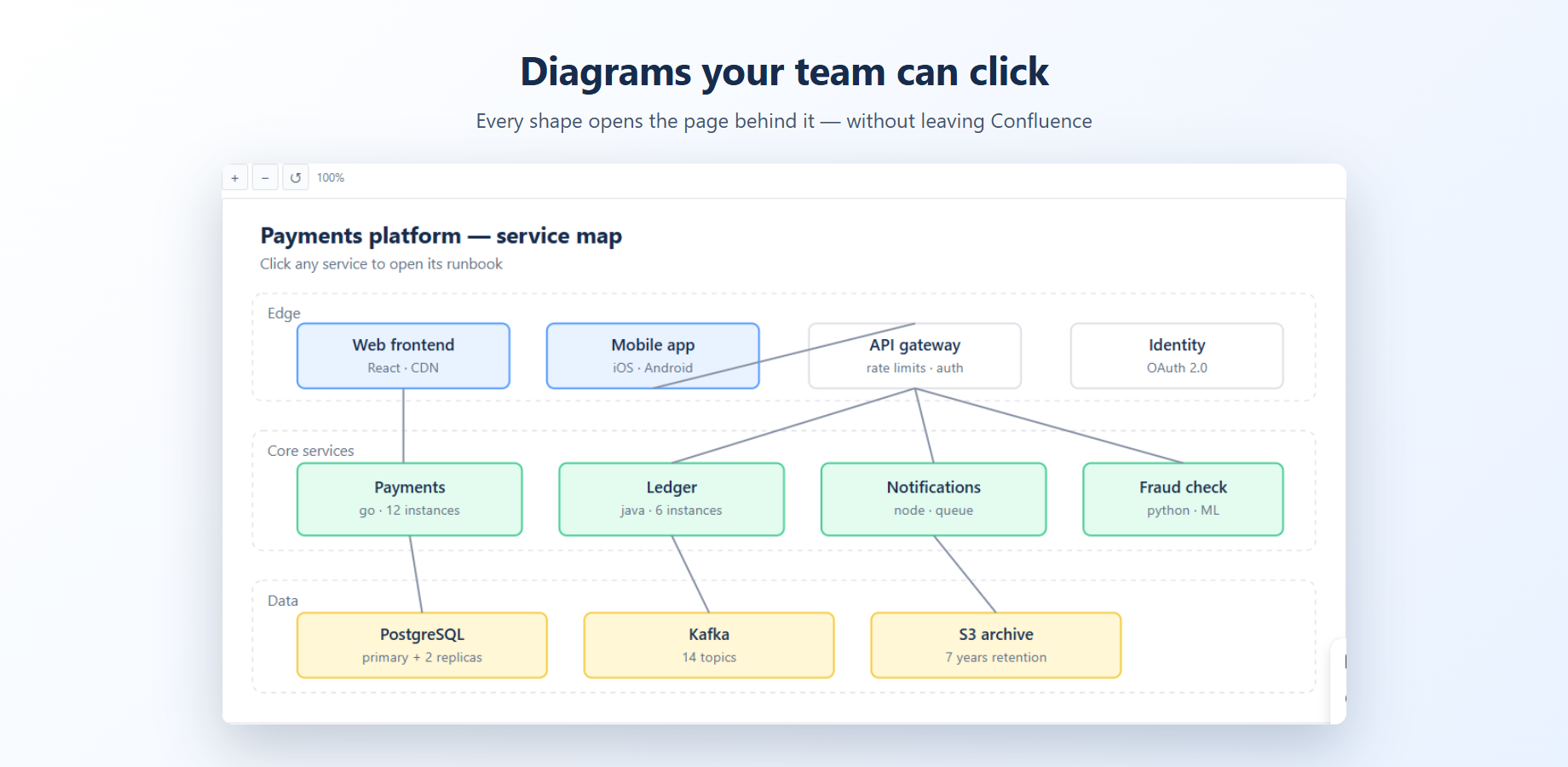
This is a service map of the kind teams keep in Confluence. Click any box to open the page behind it. Type in the search field to find a service. Scroll to zoom, drag to move around.
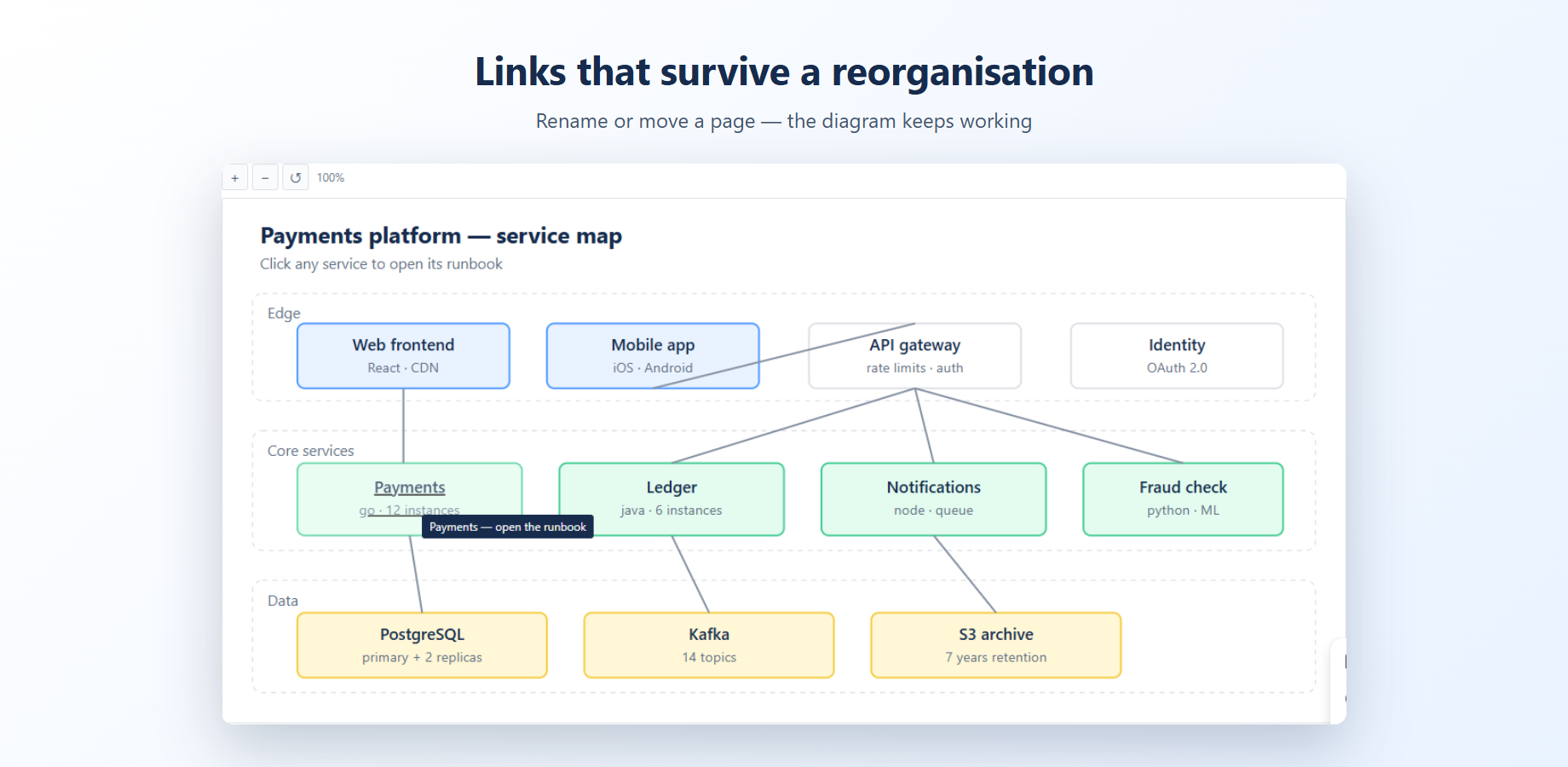
In Confluence the panel on the right is a real page in your wiki, and the link is bound to that page rather than to its address. Rename it or move it to another space and the diagram still works.
Your team draws diagrams — architecture maps, process flows, floor plans — and puts them into Confluence. But Confluence renders SVG as a flat picture: the links inside are dead, and nobody can click through to the page behind a box.
Clickable SVG fixes that. Attach an SVG to a page, drop the macro in, and every link inside the diagram works. Zoom in, pan around, hover a shape to see where it leads. It reads diagrams exported from draw.io, Figma, Illustrator, Inkscape and Visio, and renders Mermaid and PlantUML source as well.
Links you set through the app point at the Confluence page itself, not at its URL. Rename the page, move it to another space — the diagram keeps working. No more hunting for broken links after a reorganisation.
SVG files can hide scripts, and that is exactly why Confluence refuses to render them live. The app strips every dangerous element before showing the diagram, and tells you honestly what it removed.
Navigate an architecture map
Each service in the diagram points at the page that documents it. New engineers stop asking where the runbook lives.
Links that outlive your page tree
The link is bound to the page, not to its address. Move it, rename it, put it in another space — the diagram follows.
Not only for architects
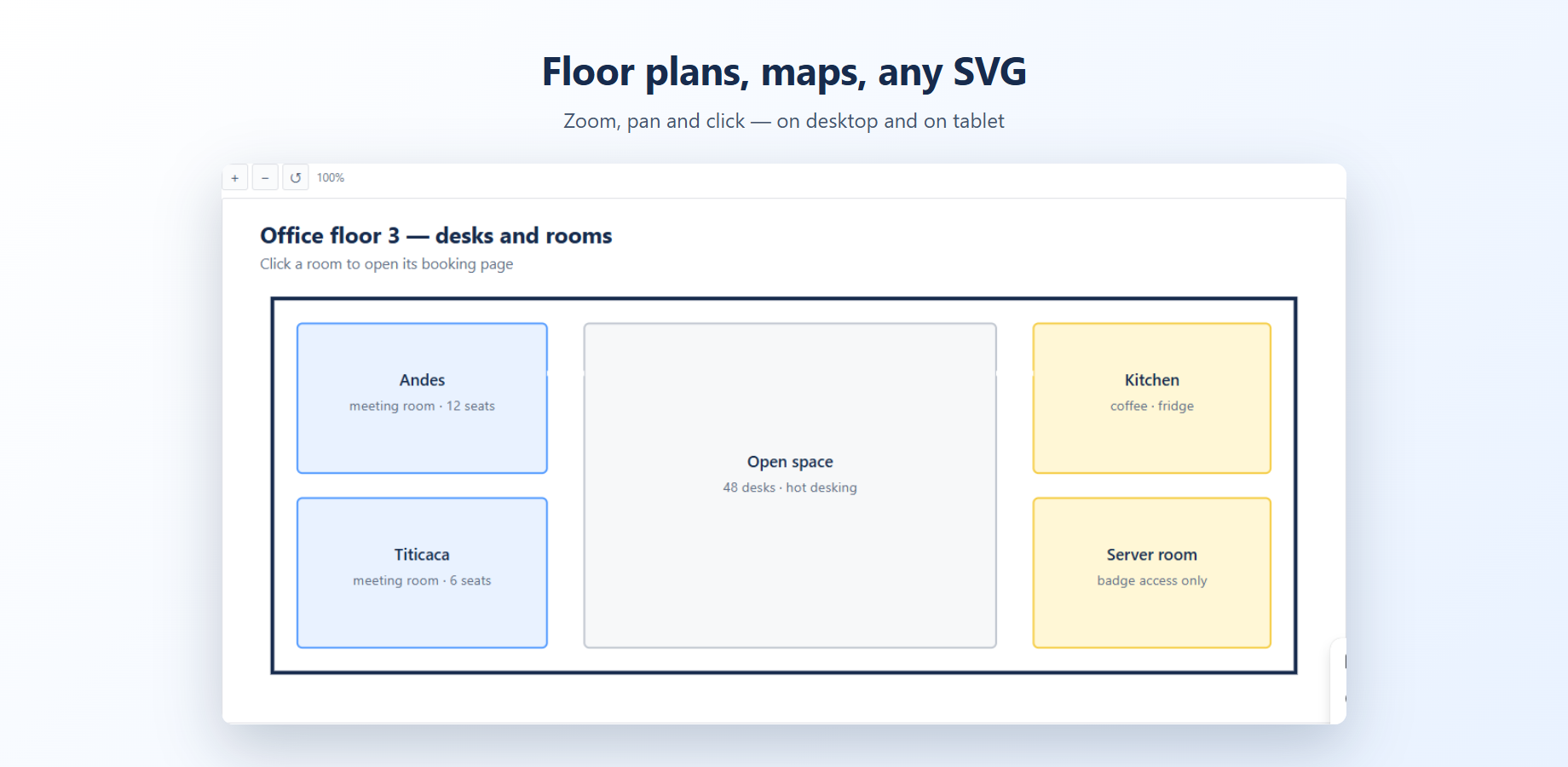
A floor plan where each room opens its booking page. A process flow where each step opens its instructions. Anything you can draw, you can make walkable.
Pricing
Free for teams up to 10 people. Above that, $2 per user per month, billed by Atlassian with your other apps.
A 15-person team pays $30 a month, 50 people pay $100. Cancel from your Atlassian admin at any time.
The app runs entirely on Atlassian infrastructure under the Runs on Atlassian programme. Diagrams are read and rendered inside your own Confluence site — nothing is sent to us, because we run no servers.
Worried this app gets abandoned like the last one? Fair. Here is our answer to that.